For founders, sales and marketing teams

Client appreciation gifts. A thank-you with a name on it.

Thank a client for their trust, welcome a new partnership or mark a shared success. Send a personalized gift box that feels considered, from the products inside to the note that comes with it.

Start with one gift. Any item-specific quantity requirements appear in the catalog.

A personal touch

Jordan, thank you for trusting us with the project. We’ve loved building it with your team. Here’s to what comes next.

An example message to make your own.

01 / Choose your gifts

Something worth opening. A reason worth remembering.

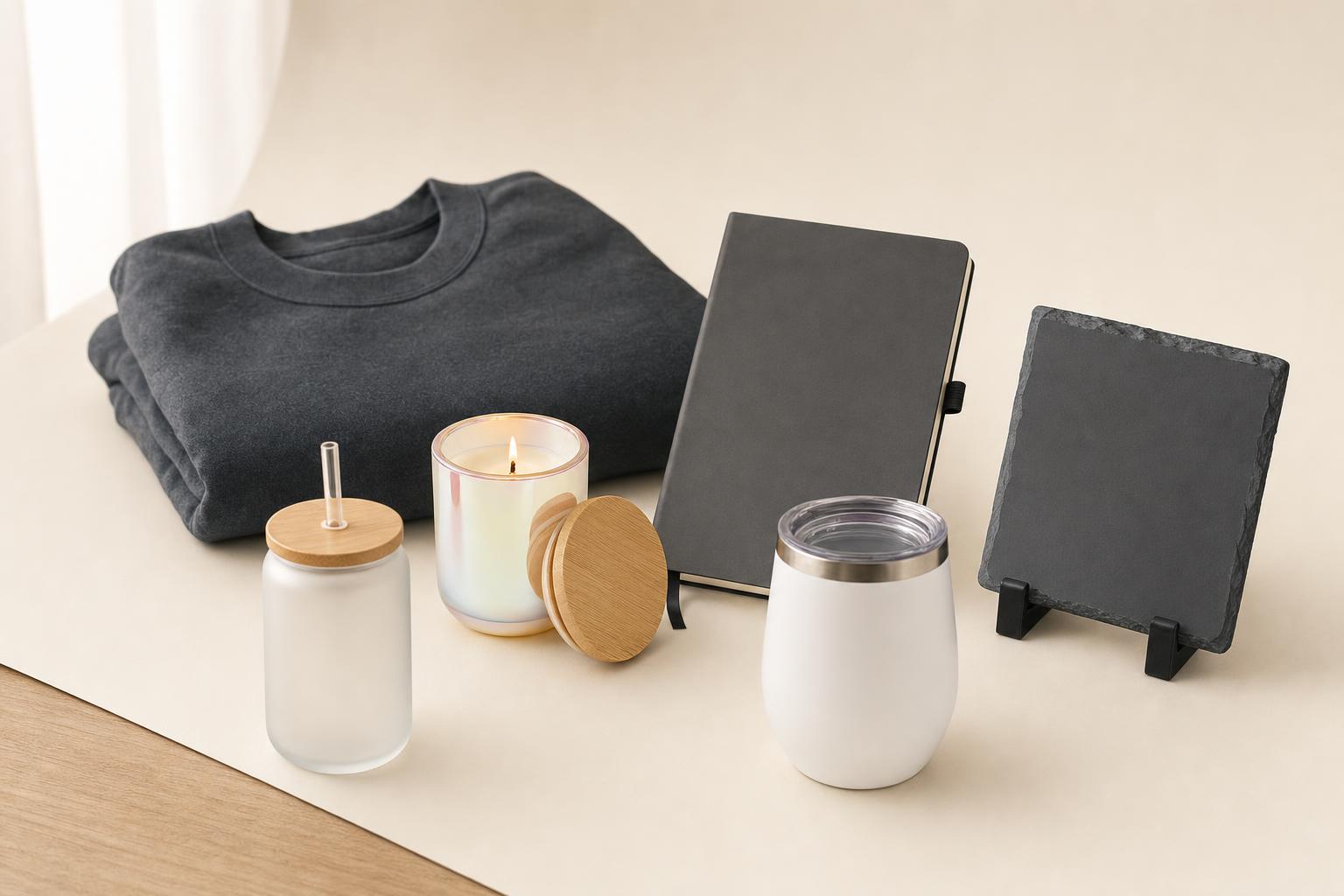
Explore gifts for a simple thank-you or a significant client milestone. See the actual contents and price, then choose the personalization that suits your relationship.

Explore the latest catalog or request a sample to find the right gift for your occasion.

Current catalog pricing. Kit estimates include personalization and US parcel shipping; taxes are additional. Confirm the final quote before payment.

Browse the full gift catalog
02 / Make it thoughtful

Match the gift to the relationship.

The strongest message is a specific one. Start with why you are sending the gift and let that guide the selection.

A client note to make your own

Jordan, thank you for trusting us with the project. We’ve loved building it with your team. Here’s to what comes next.

Keep the note about the person and the partnership.

Welcome a new partnership

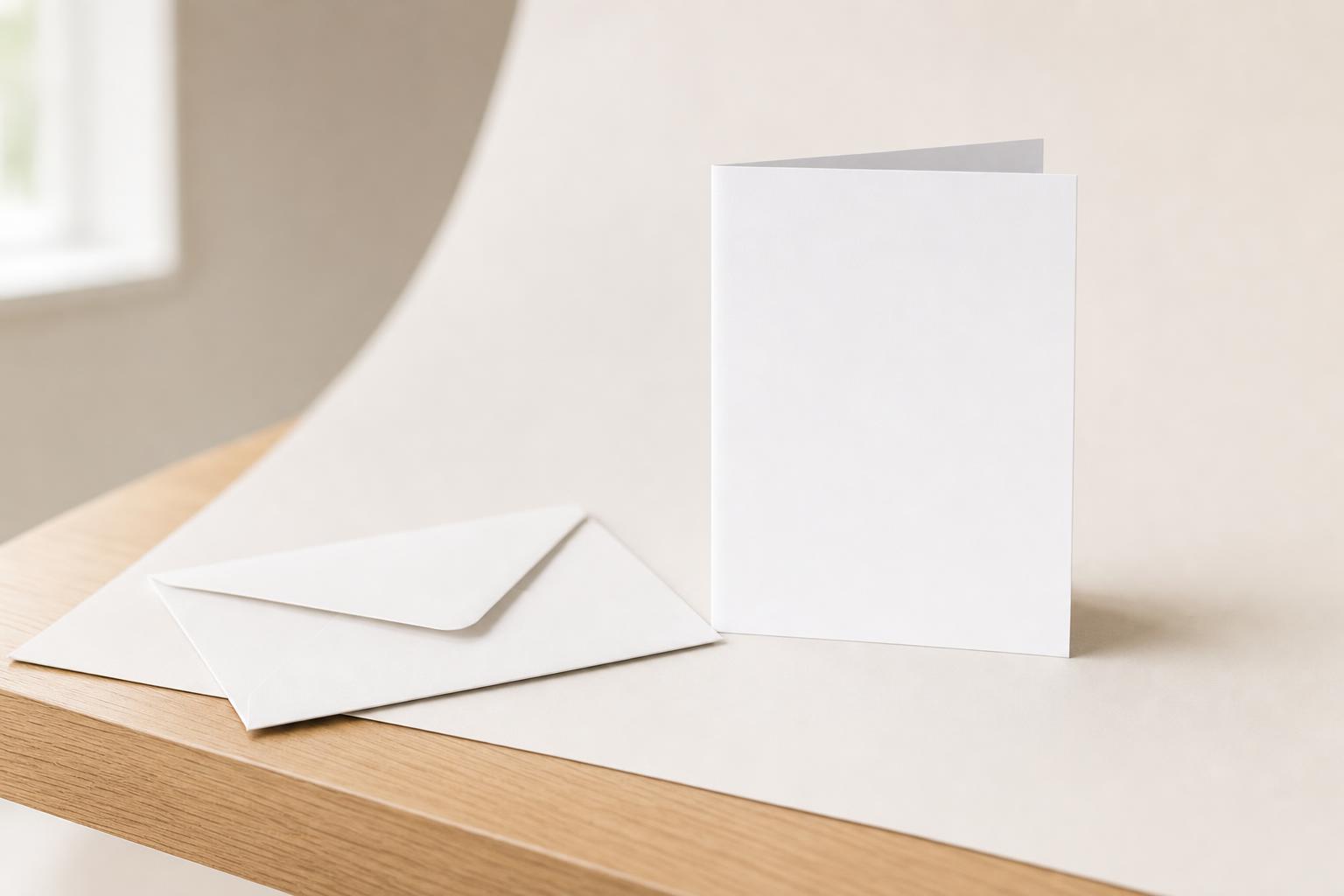
Mark the beginning with a useful gift and a printed card about the work ahead. Keep your branding considered and put the recipient's name and personal message on the card.

Thank an existing client

Recognize a renewal, a referral or a shared project milestone. Name what you appreciate rather than sending the same sales message with every gift.

Follow up with care

Give after an event or a helpful conversation when it fits the relationship. Check the recipient's gift policy and choose an appropriate value before you send.

03 / How it works

From a thoughtful idea to their doorstep.

  1. 01

    Pick the right thank-you

    Choose a gift or kit from the catalog. Compare contents and current pricing, and open the detail page to start your team order.

  2. 02

    Make the message personal

    Add your artwork and recipient details. Use an address-collection link when you do not have their delivery information.

  3. 03

    Review, send and stay informed

    Review the quote and approve the spend through your team. Follow the gift's status and shipment; connected CRM gifts also record activity on the contact.

Browse first. Create your Teams account when you are ready to start an order.

04 / Connect your tools

Put gifting beside the customer conversation.

Connect your CRM to select contacts and send gifts from Teams. Configure supported milestone rules when you want a repeatable program, with team budgets and approvals controlling the spend.

Explore your gift operating system
05 / Your questions

Before you send a client thank-you.

Can I order one personalized client gift?

Yes. Start with one gift, checking the catalog for any item-specific quantity requirements. Choose a gift or a complete gift box, add company artwork on supported products and include a personal printed card.

What should I put in a client gift box?

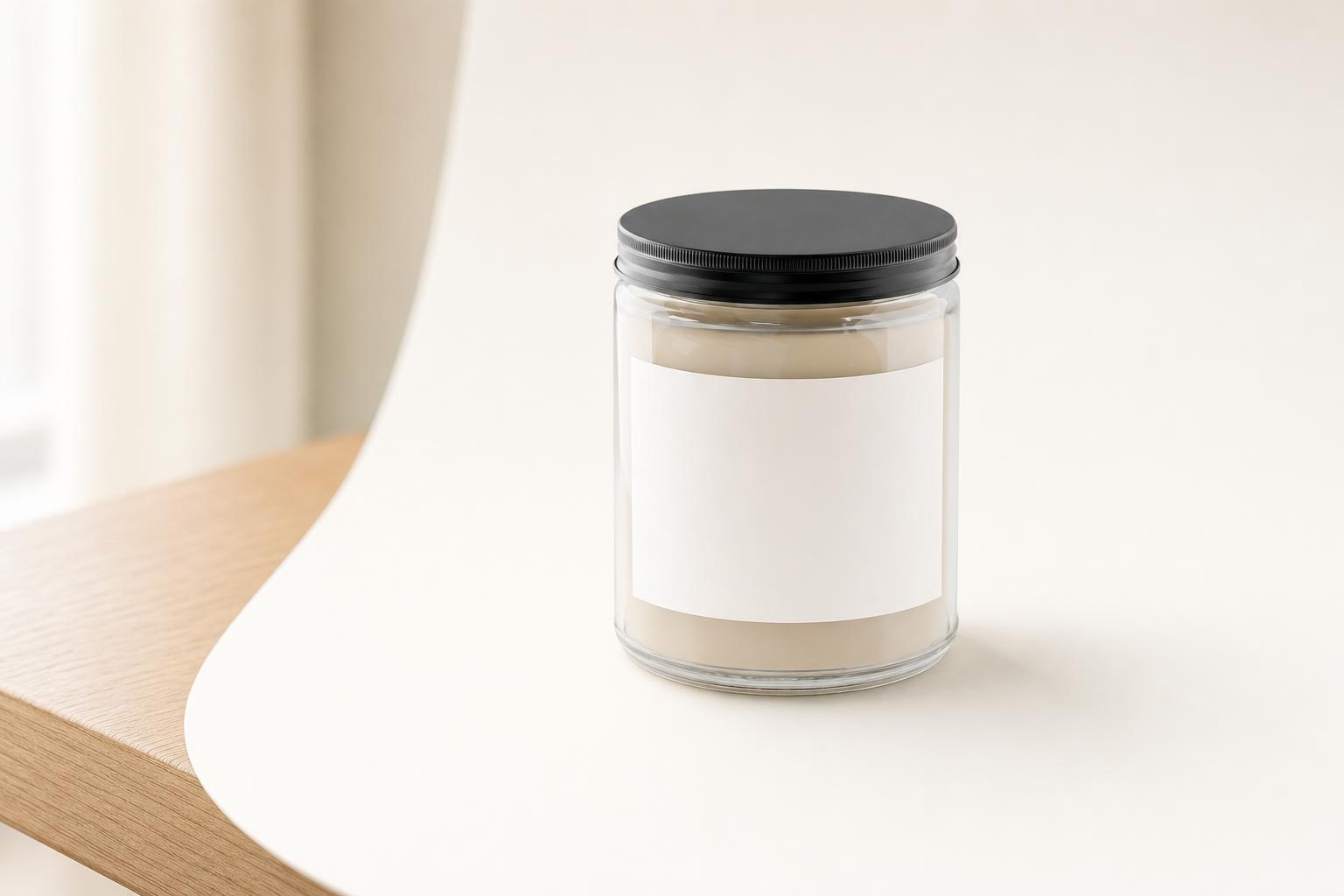
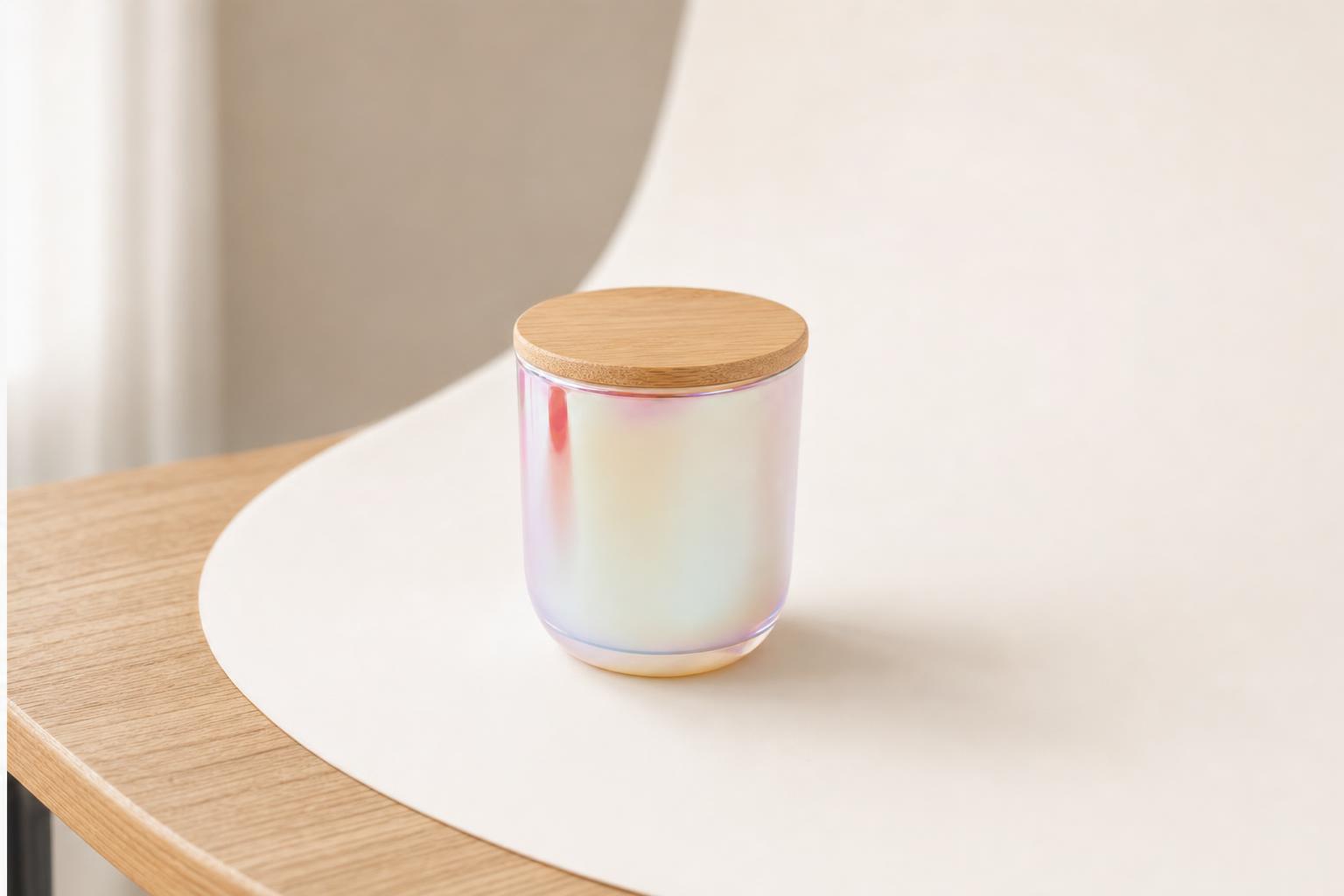
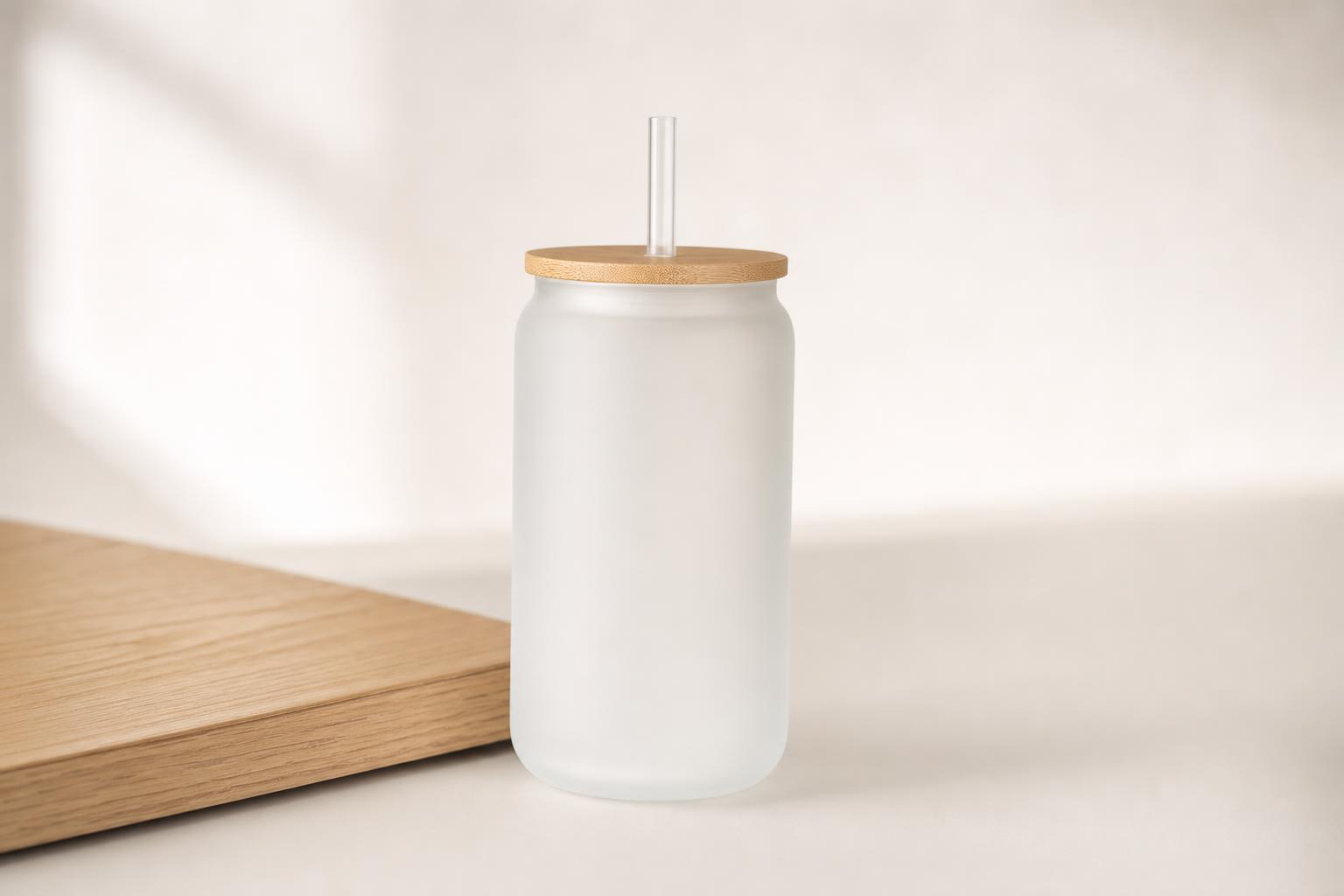
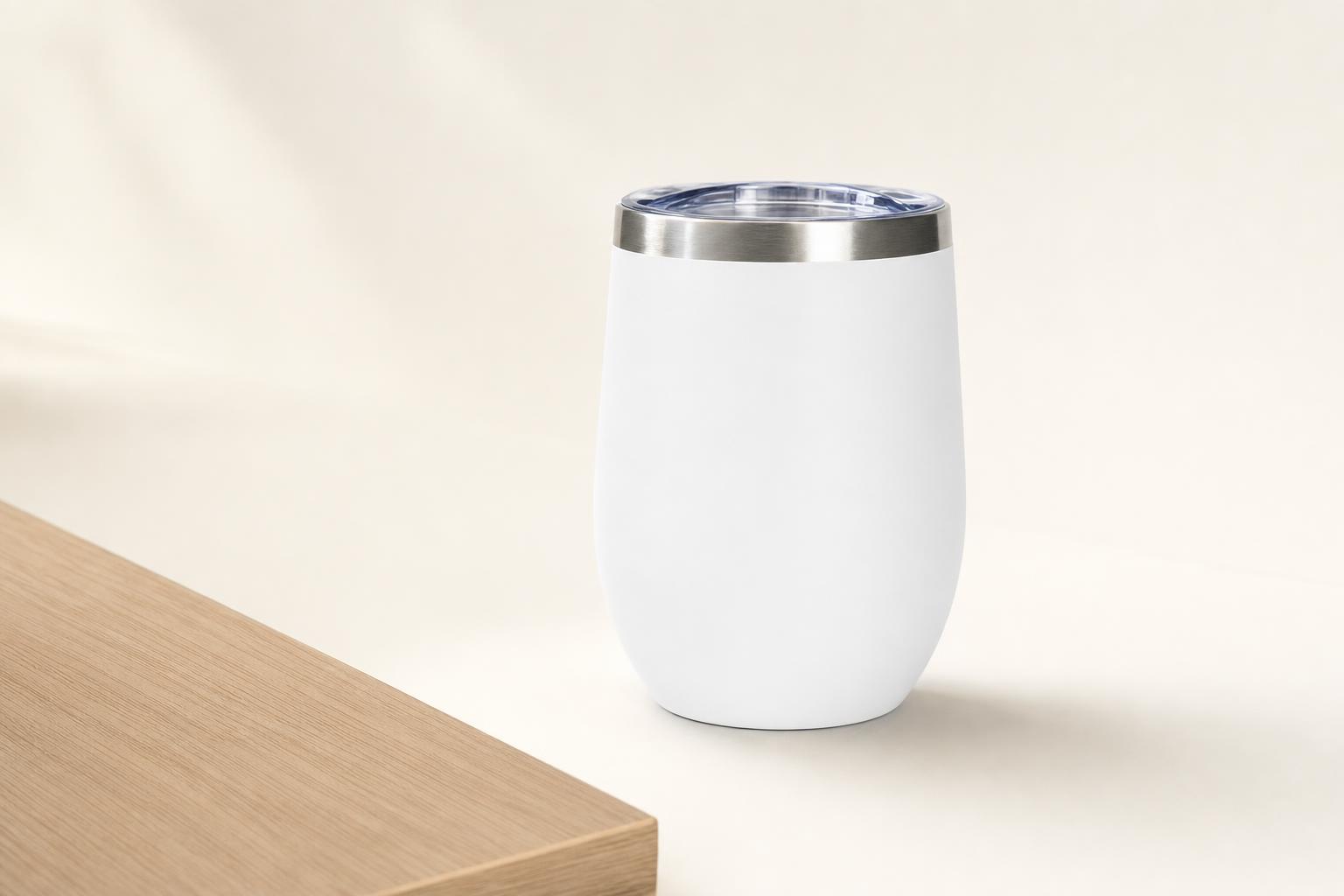
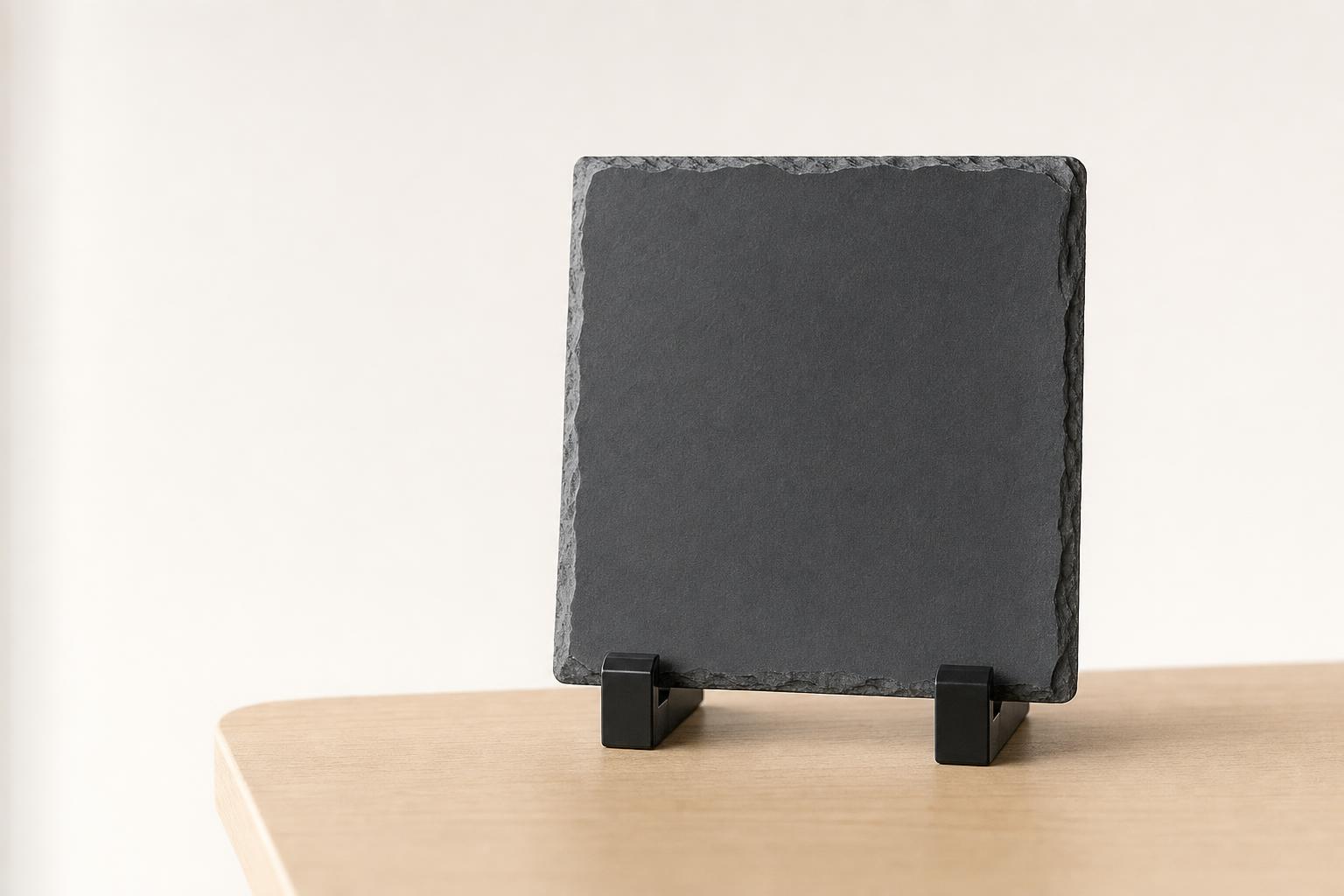
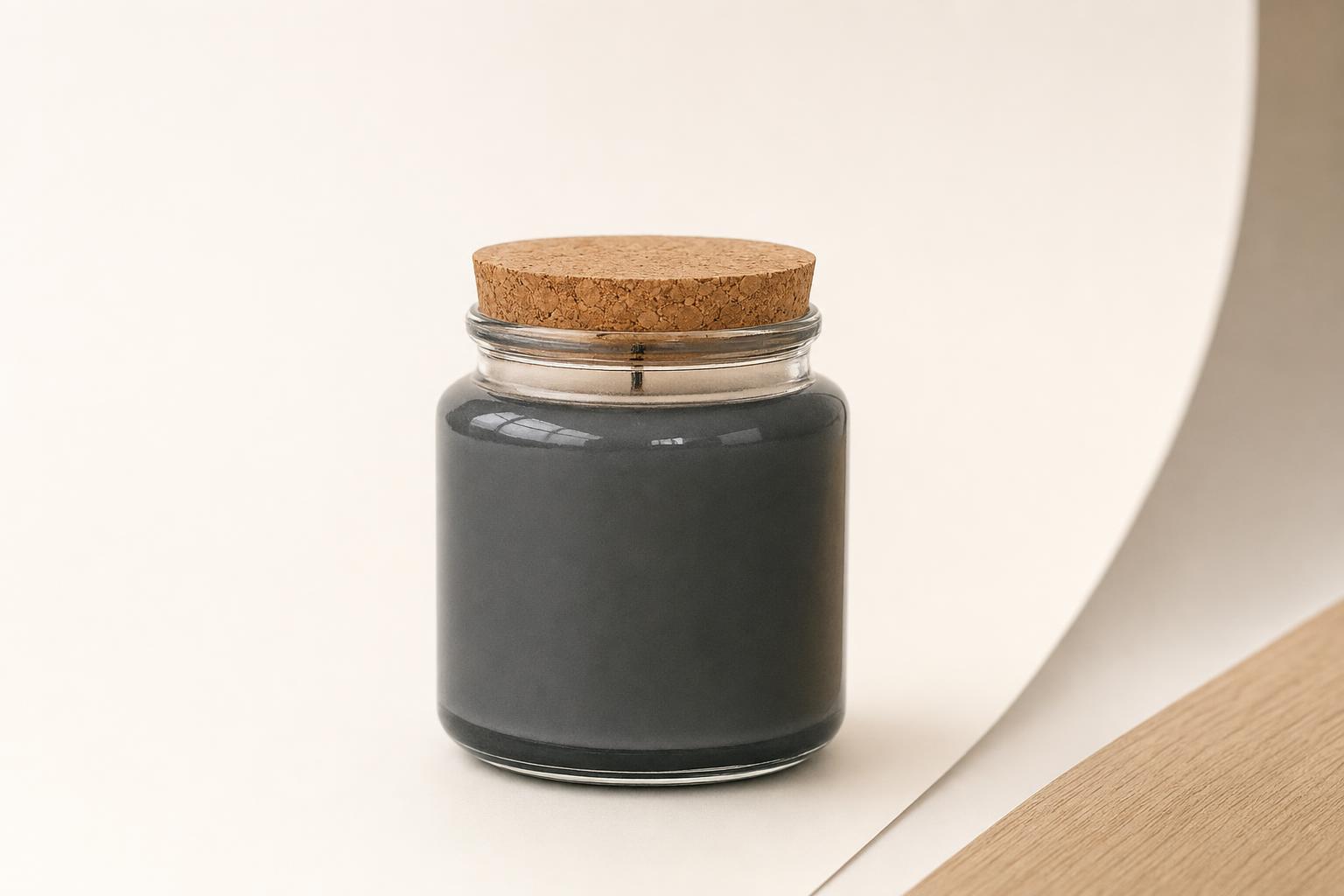
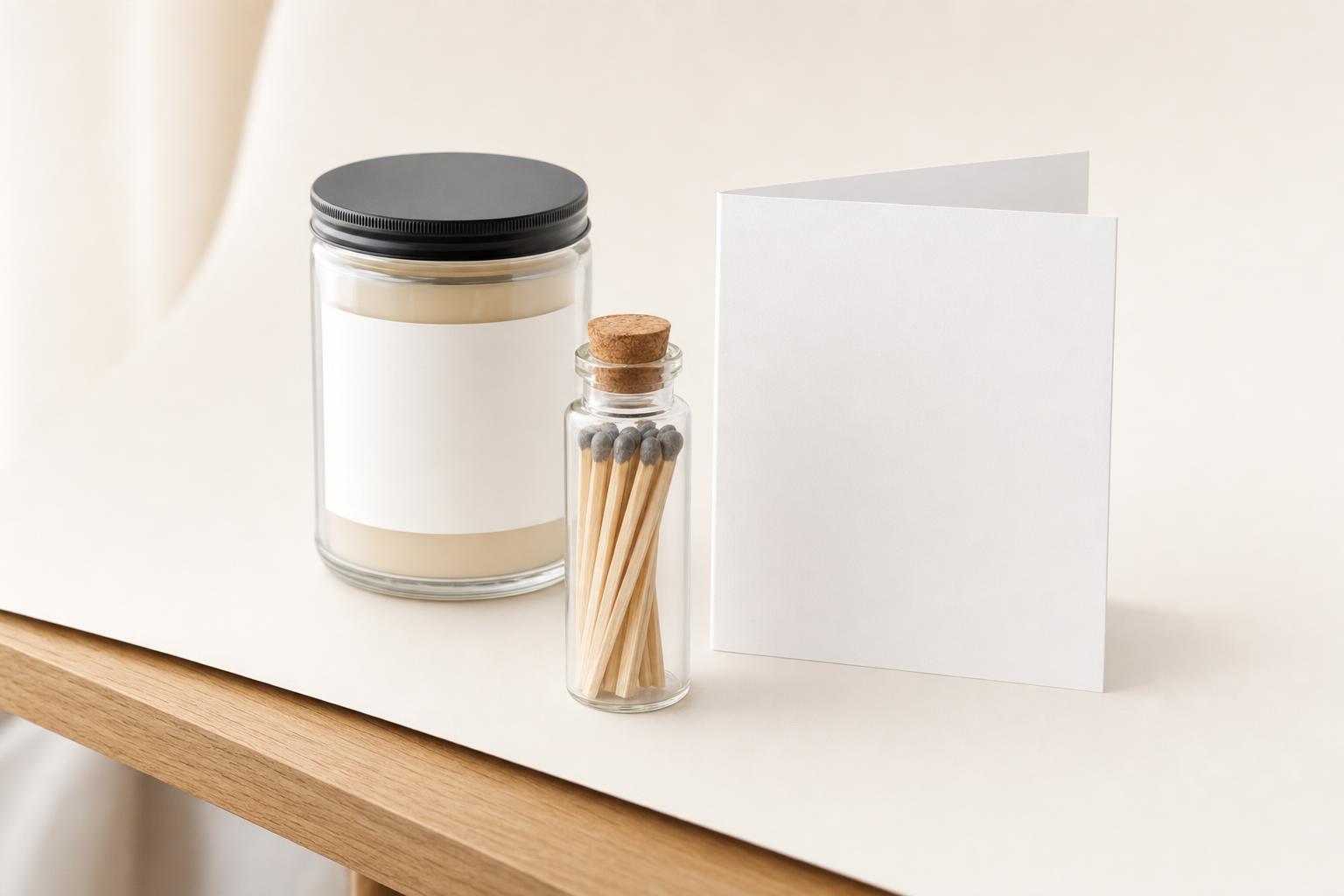
Choose products that fit the person and the occasion, such as a useful desk item, drinkware or a candle gift set. The Teams catalog shows the contents of each kit. Add a message that names the reason for your thank-you and check the recipient's gift policy before deciding on the value.

Can I send a gift without knowing the client's address?

Yes. Recipient links let the person enter their own shipping address. In the CRM gifting flow, you can send an invitation email or share the link yourself. Nothing ships until the required address and recipient choices are supplied.

How does client gifting work with HubSpot or Salesforce?

Connect your CRM to Teams, select contacts and choose a gift. Gift activity is recorded on the connected CRM record. You can also configure supported milestone rules, with team budgets and approvals governing each send. See the integration page for the supported workflow and setup.

Can I send personalized gifts to a whole client list?

Yes. Create a team order for multiple recipients, or use the connected CRM gifting flow to select contacts. Each recipient has their own address and shipment, and spending follows your team's configured controls.

What is included in the gift price?

The catalog shows current product and kit prices. Kit estimates include personalization and US parcel shipping per recipient, with taxes additional. Open the selection to review its contents and confirm the final quote before payment.